// BLOG
Introducing Netclaw: An Always-On, Autonomous Agent Built on Akka.NET
Run it on your own hardware with whatever model you want, local or hosted, with a real security model baked in from day one.
I’ve been wanting to write this post every single day for about six weeks now, and I finally get to: we shipped a brand new open source project called Netclaw.
Netclaw is an always-on, autonomous personal assistant built on top of large language models and Akka.NET. It runs quietly in the background, connects to the chat applications you already use, and handles the endless little tedious tasks that eat into your day. It’s deliberately simple and predictable, it takes security seriously, and it works just as well with a small model on your own hardware as it does with a big hosted one.
We covered a bit of the “how we built it” story on a recent Akka.NET Community Standup, but this post is the proper introduction: what Netclaw is, why we built it the way we did, and what you can actually do with it today.
Chat-first, not editor-first
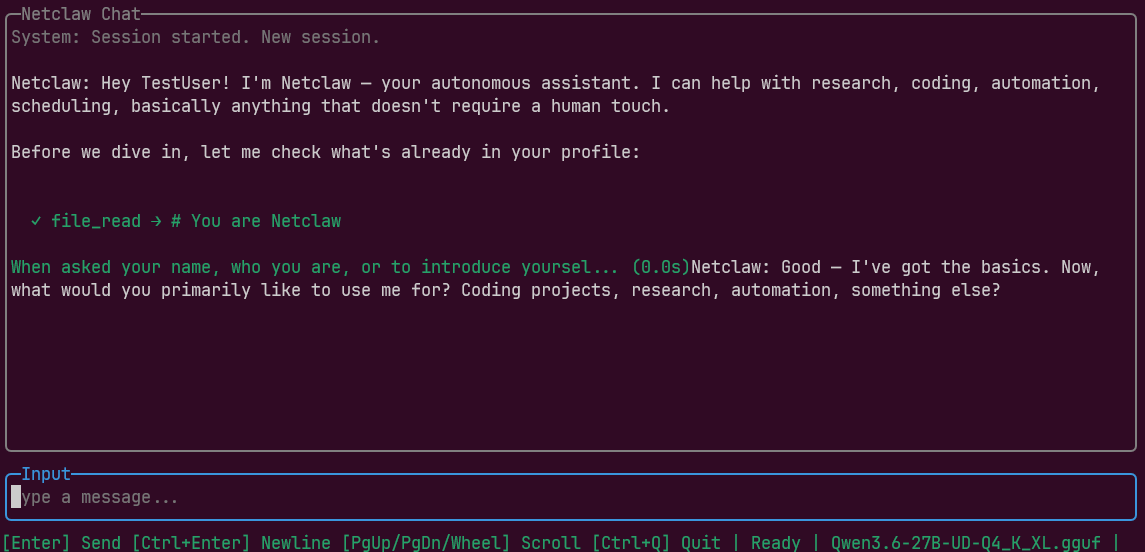
The primary way you’re meant to work with Netclaw is through a chat application. We ship a TUI with a chat window so you can talk to it right on the command line, but that’s mostly for kicking the tires. The real experience is hooking Netclaw up to Slack, Discord, or Mattermost, with WhatsApp, Microsoft Teams, and other channels on the way.
Here’s what my Petabridge Slack looks like on a normal working day. Every one of those instances on the left is a separate Netclaw agent, each keeping me posted on something happening in the business.
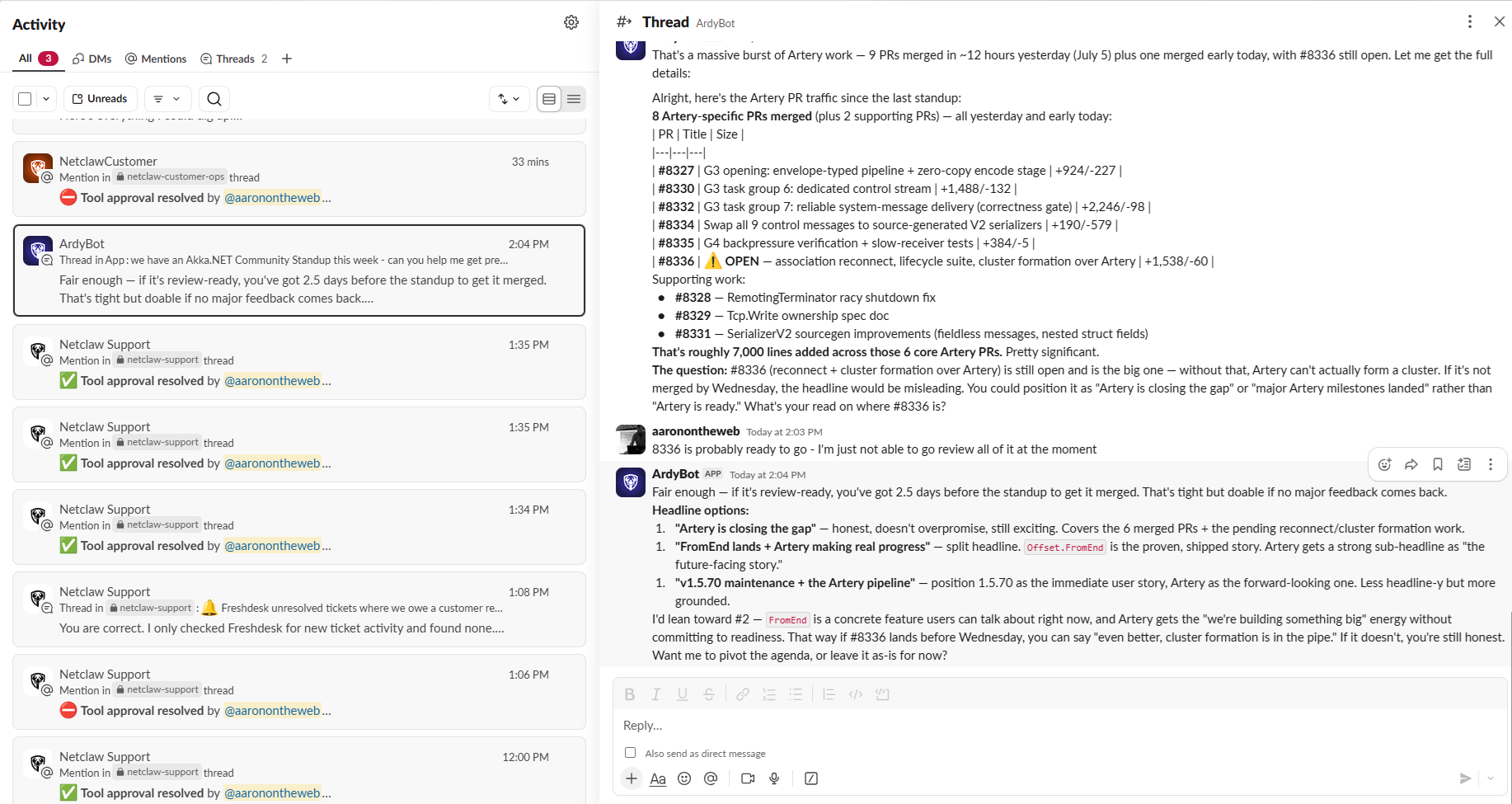
I’ve got a main engineering agent that I can just tell, in plain English, to go check CI/CD status on a pull request or cut a release following a standardized process we humans have used for years1. I’ve got a customer agent that works our sales automations through the Pipedrive, our CRM. And I’ve got a support agent, running a slightly more powerful model than the others, that watches our support tickets, does detailed log analysis, and keeps us inside our SLA agreement with Akka.NET support customers.
Netclaw is not a thing you sit and watch. That would be a terrible use of your time. Netclaw is meant to handle tasks behind the scenes either on a clock using reminders, live using webhooks, or via prompts you feed it via chat. I give an agent a little guidance about what I want, and then I let it cook. If it hits something potentially dangerous, like merging a pull request or running a command it hasn’t run before, it stops and asks me first.
Why we built it
Every job on earth comes with a pile of tedium attached to it. Whether you’re a software engineer, a marketer, a salesperson, someone in customer support, or a startup CEO like me… There’s a steady drip of little tasks that each demand a bit of attention and a bit of time. Individually they’re nothing. This death-by-a-thousand-paper-cuts routine is death by a thousand paper cuts and consumes tremendous quantities of our time.
Netclaw is designed to attack these types of problems. It isn’t meant to replace Claude Code or Copilot for your big engineering quests. But writing small bug fixes, drafting GitHub issues, triaging Dependabot pull requests, filing bug reports off of telemetry data, running a release: Netclaw is very good at all of that, and it does it while you’re off doing something that actually needs your brain.
Simplicity first
The design philosophy of Netclaw is deliberately the opposite of what a lot of agent platforms are chasing right now.
Tools like OpenClaw and Hermes Agent lean hard into self-modification, orchestrators, supervisors, and automatic skill formation.
In my experience things with that many moving parts that generally don’t work all that well.
So we went the other direction: simple constructs, a small number of moving parts, and behavior that’s as predictable as you can get out of a non-deterministic LLM. Run the same model against the same task and Netclaw should behave the roughly same way each time. That stability matters a lot when you’re trusting an agent to run unattended for long stretches.
Run any model, local or hosted
The other big thing that drove me to build Netclaw was that I wanted it to work well with small models you can run on your own hardware.
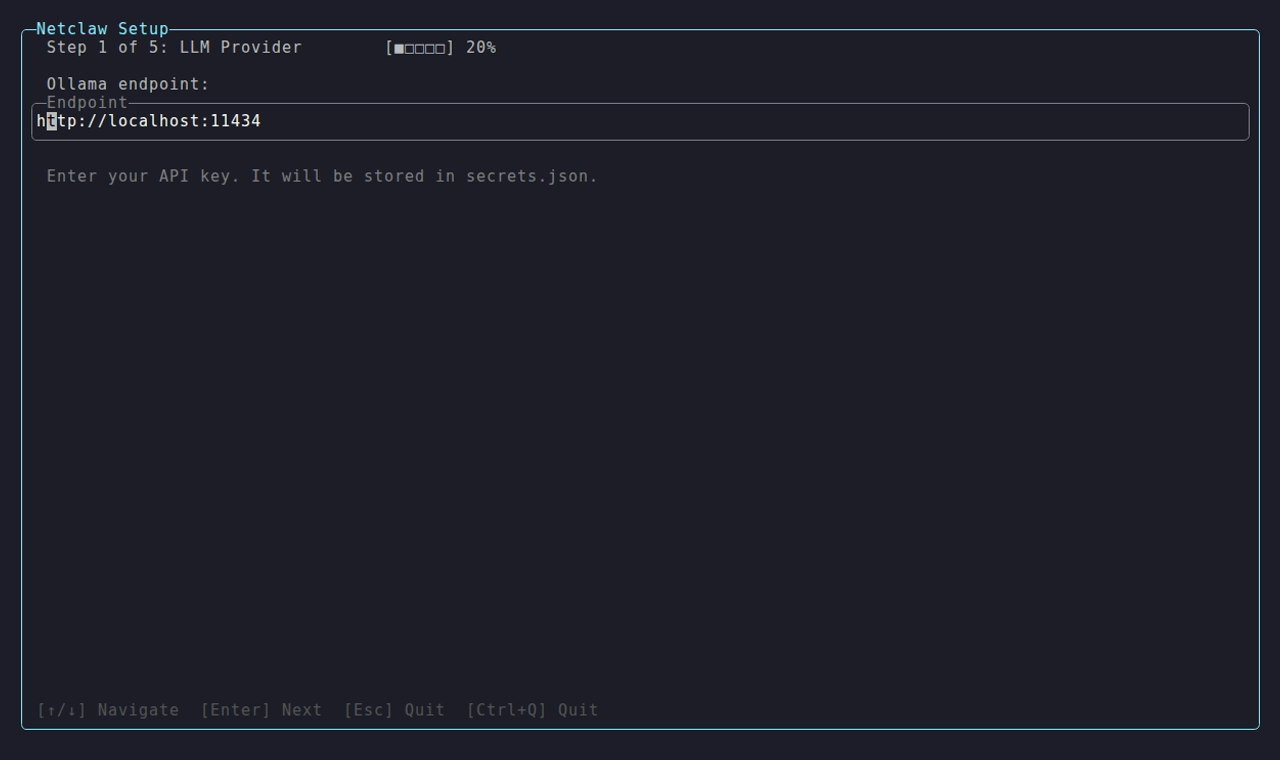
In our test lab we run a lot of Gemma and Qwen3 models locally, and there are exciting new small models landing all the time. Our agents are constantly working on support issues, contracts, and customer emails, so keeping that data inside our own house is a real requirement, not a nice-to-have. Running the model on our own hardware means the data never leaves.
That said, this is about choice, not dogma. If you’d rather point Netclaw at Anthropic, OpenAI, or Gemini, you can, and we’re adding more inference providers all the time. The design rule we hold ourselves to is simple: whatever our footprint looks like, if it works for a small local model, it works for a big hosted one too. You decide where your inference runs.
A real security model
Because Netclaw runs unattended and touches real systems, security isn’t an afterthought. It’s baked into the core.
Every agent runs with a security posture. A personal agent that’s just for you gets a broad posture and can do more or less anything. An agent facing a team is more restricted2. An agent exposed to the public is locked down further still.
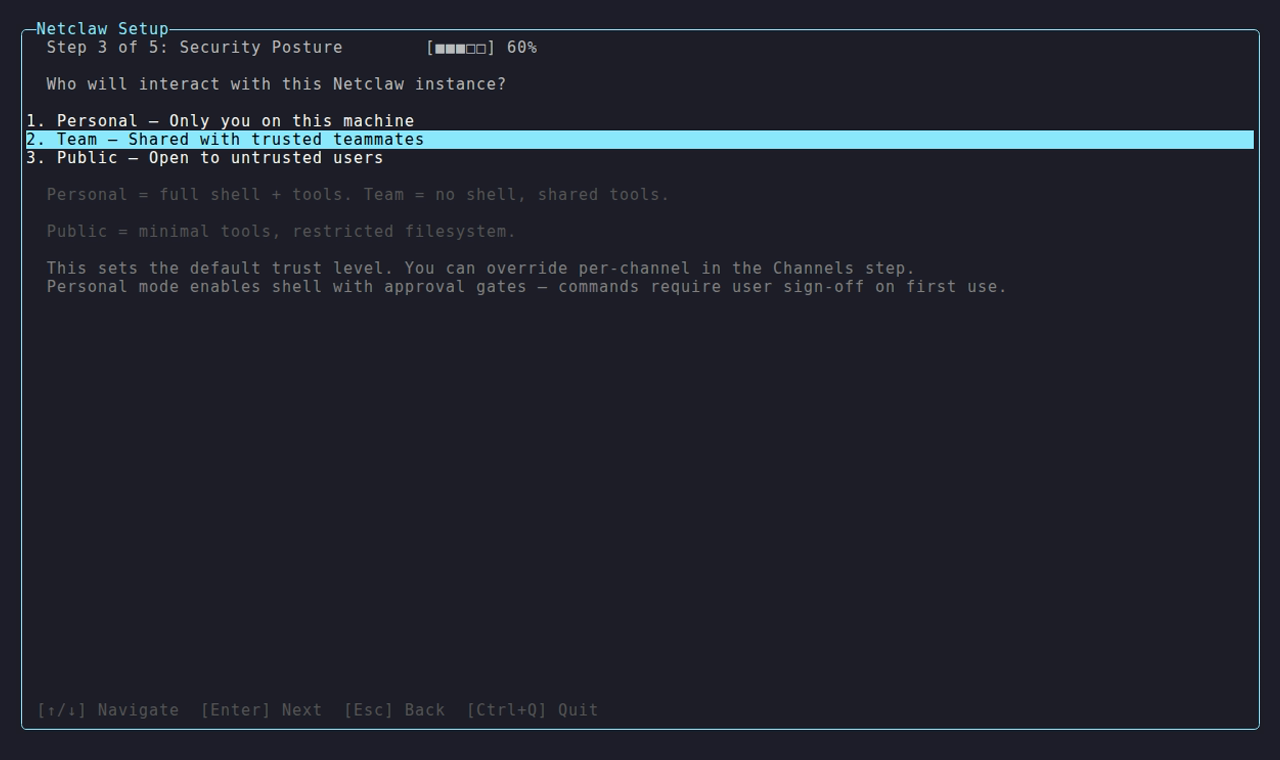
On top of the posture, there’s the approval system, and this is where Netclaw really earns its keep. Any shell command that doesn’t already have a saved approval record for the directory it’s trying to run in gets paused, and Netclaw asks you first. Same goes for irreversible actions through an MCP server, like moving or sharing customer files in Dropbox3.
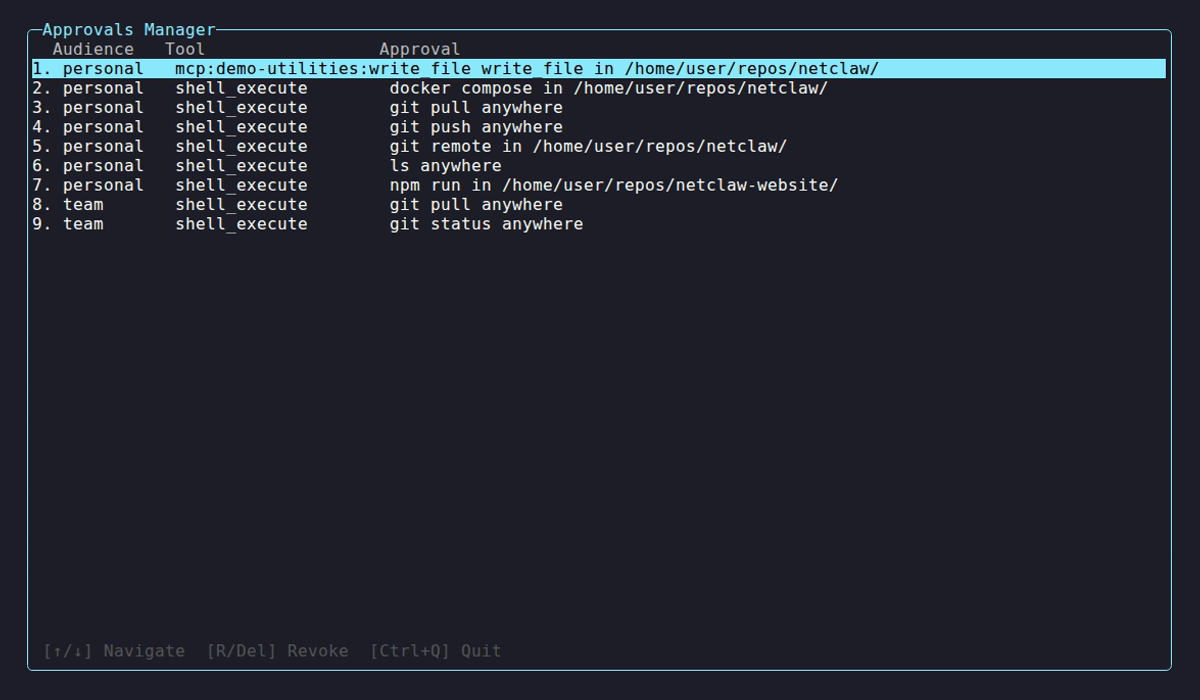
When an approval comes up in Slack, I can allow a command just for that chat, allow it “always” in that directory, allow it anywhere, or deny it outright. We’ve worked hard to strike the balance between being genuinely secure and not drowning you in approval fatigue. There’s also malicious prompt detection layered in. If you’ve read about the OpenClaw email disasters, you know why this matters: an always-on agent with real access needs guardrails you can actually trust. Because these primitives are built in, you don’t need to wrap Netclaw in a bunch of external sandboxing to feel safe running it.
Automatic agent memory formation and recall
Netclaw learns from experience. A dedicated agent observes every session and distills memories from what you and the agent did together. It separates a throwaway temporary note from a durable fact from a document, and it has safeguards so it doesn’t accidentally memorize something sensitive like an API key.
A quick example. I ask Netclaw, “What is my preferred airline?” It’s booked travel for me before, so it digs into that history, comes back with United Airlines, and already knows my departure hub. From there I can say “help me book a trip to Washington DC for Labor Day,” and it runs a web search and pulls up flights without me re-explaining any of it. That recall works whether I ask over Slack or through the CLI.
This type of memory functionality is essential to an always-on agent that isn’t scoped to a specific folder or software project; when I mention “can you tell me how many open pull requests there are on Akka.NET?” Netclaw has to determine that “Akka.NET” refers to akkadotnet/akka.net on GitHub and this repository is cloned locally at ~/repositories/olympus/akka.net on the local filesystem. Without this type of functionality we’d have to repeat basic information over and over again to Netclaw constantly.
What Netclaw can do
Chat and the CLI are the two big surfaces, but a lot of the real power lives just behind them.
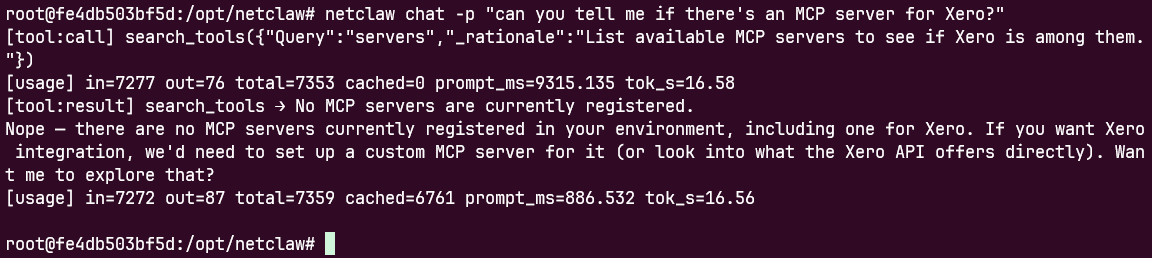
- Reminders are probably my most-used feature. I have agents that wake up on a schedule to run a skill, like the support agent figuring out which tickets need a response right now, all automatically.
- Webhooks push live events into an agent over HTTP. One of my agents responds to alerts from our Seq telemetry system: it pulls the trace events, formulates a GitHub issue, and opens a bug report whenever one of our agents fails.
- Skills, sub-agents, and approvals let you compose real workflows. You can give a sub-agent its own system prompt and have it, say, adversarially critique generated graphics before anything ships.
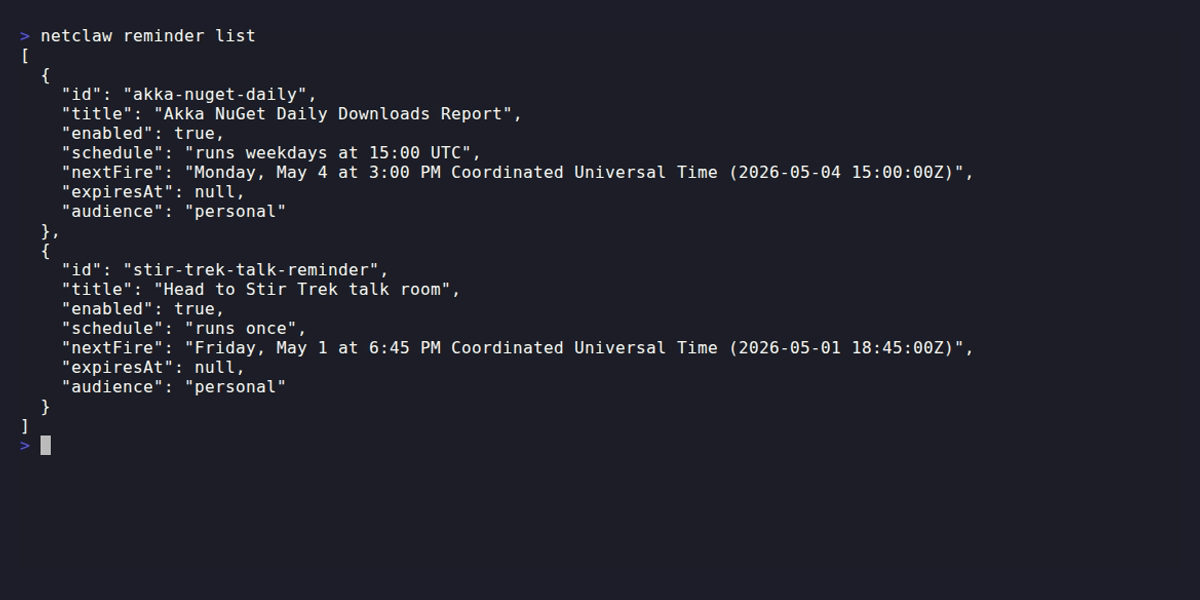
- MCP-first. We lean heavily on MCP servers here at Petabridge: TextForge, Notion, Dropbox, Memorizer. Most of our agents have all of that wired in by default.
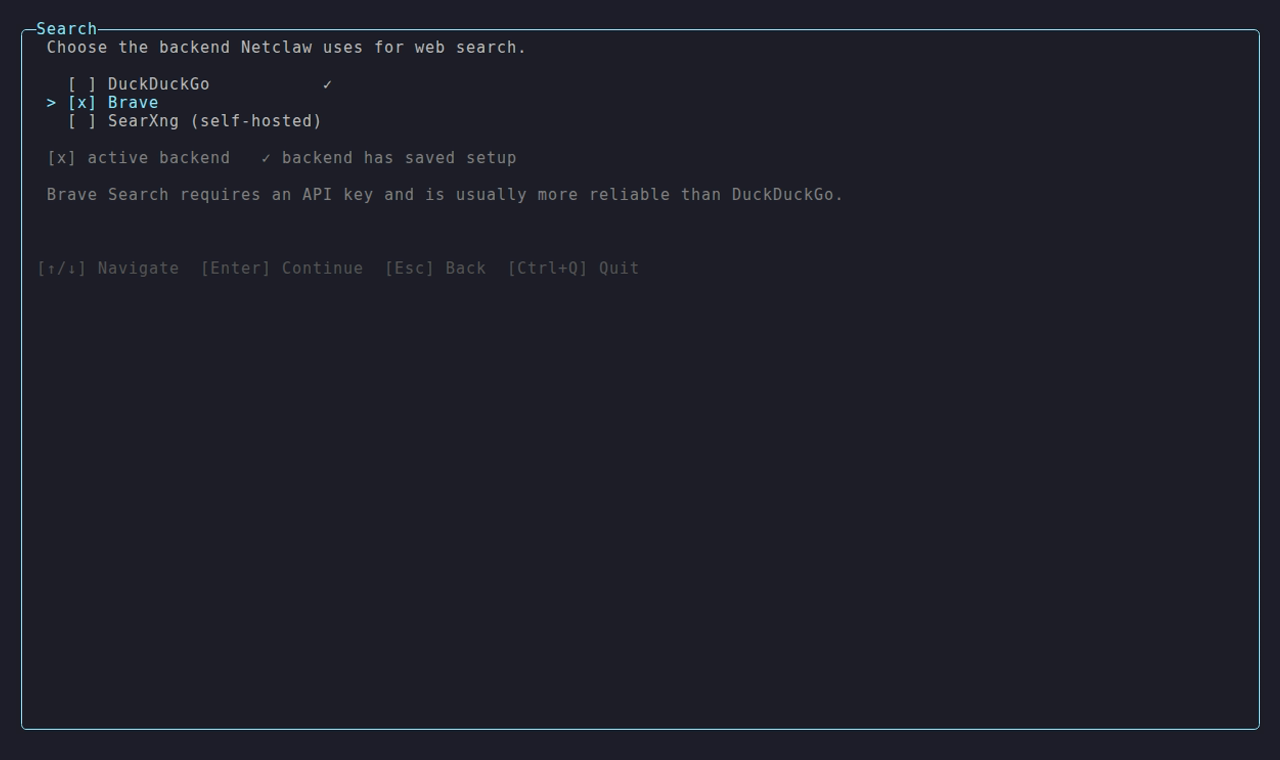
- Web search and browser automation are built in, including hooking up to Playwright to drive a browser for you.
Here’s a concrete example of all of this working together. When I publish a GitHub release, a webhook fires into Netclaw. It pulls the release notes, generates candidate graphics, and lets a sub-agent adversarially critique them across a few rounds of improvement. I get a couple of finished images dropped into my Slack channel, I pick the one I like, approve it, and Netclaw schedules the post out to Petabridge’s social channels.
flowchart LR
    A[GitHub release published] -->|webhook| B[Netclaw agent]
    B --> C[Generate candidate graphics]
    C --> D[Sub-agent: adversarial critique]
    D -->|rounds of improvement| C
    D --> E[Post finalists to Slack]
    E --> F{Your approval}
    F -->|approve| G[Schedule social posts]
You could script the mechanical parts of that yourself. What you can’t easily script is the judgment loop, the intermediate output showing up in Slack while you’re off doing something else, and the whole thing waiting on your one-tap approval. That single workflow saves me about two hours of work on every release.
How it’s different from a coding harness
Netclaw is built with .NET and Akka.NET, and we use Akka.NET’s actors as the agents themselves. That’s not an incidental detail. If you already work with Akka.NET, the mapping is obvious: each agent is a supervised, long-lived actor with its own mailbox, and its sub-agents are child actors underneath it. The mailbox serializes an agent’s work so it processes one thing at a time instead of stepping on itself, and supervision means a crash in one agent gets caught and restarted without taking down the others running alongside it. That’s exactly the shape you want when agents need to run unattended for days at a time.
Just as deliberately, Netclaw is not self-modifying. It’s not a coding harness bolted onto your editor. Keeping the fewest possible moving parts and refusing to let the agent rewrite itself is what gives you upgrade safety and stable behavior over long periods. Keep using Claude Code, Copilot, or whatever you love for heavy interactive engineering. Netclaw is for the always-on, autonomous, behind-the-scenes work those tools aren’t built to babysit.
Try it
If any of this sounds useful, head to netclaw.dev and install it. It runs on Linux, macOS, and Windows, and you can run it as a Docker container if you’d rather. Then check out the Netclaw GitHub repo to file issues or contribute, and jump into the Netclaw Discord to compare notes with the folks already experimenting with local models.
We’ve got a lot more Netclaw content on the way, including a follow-up video walking through installation and how to write your own skills. If there’s something specific you’d like us to cover, leave a comment on the video and let us know.
-
Now codified into a “skill” using the Agent Skills standard. A skill is essentially just a repeatable prompt / formula for an agent to follow. ↩
-
You can read more about Netclaw’s default security postures here, but a quick example: in the “team” posture we disable shell execution by default (you can override that via
netclaw config.) In the “public” posture, where bots are exposed to totally unknown and untrusted users, we disable automatic memory formation + recall, web fetch, web search, and everything else that gets disabled in team execution too. ↩ -
You need to configure the MCP server approval behavior using
netclaw mcp permissionsfirst. ↩


Observe and Monitor Your Akka.NET Applications with Phobos
Phobos automatically instruments your Akka.NET applications with OpenTelemetry — traces, metrics, and logs with built-in dashboards.

Enjoyed this post? Subscribe to our newsletter for more insights on distributed systems, Akka.NET, and .NET + AI.
// COMMENTS